Review business activity
See lead, job and billing indicators together, with the underlying records available for follow-up.
Review your pipeline, operational workload and financial progress together.
Use the records your team already maintains to understand where work stands. Start with a shared dashboard, then examine the measures relevant to your business.
Book a demo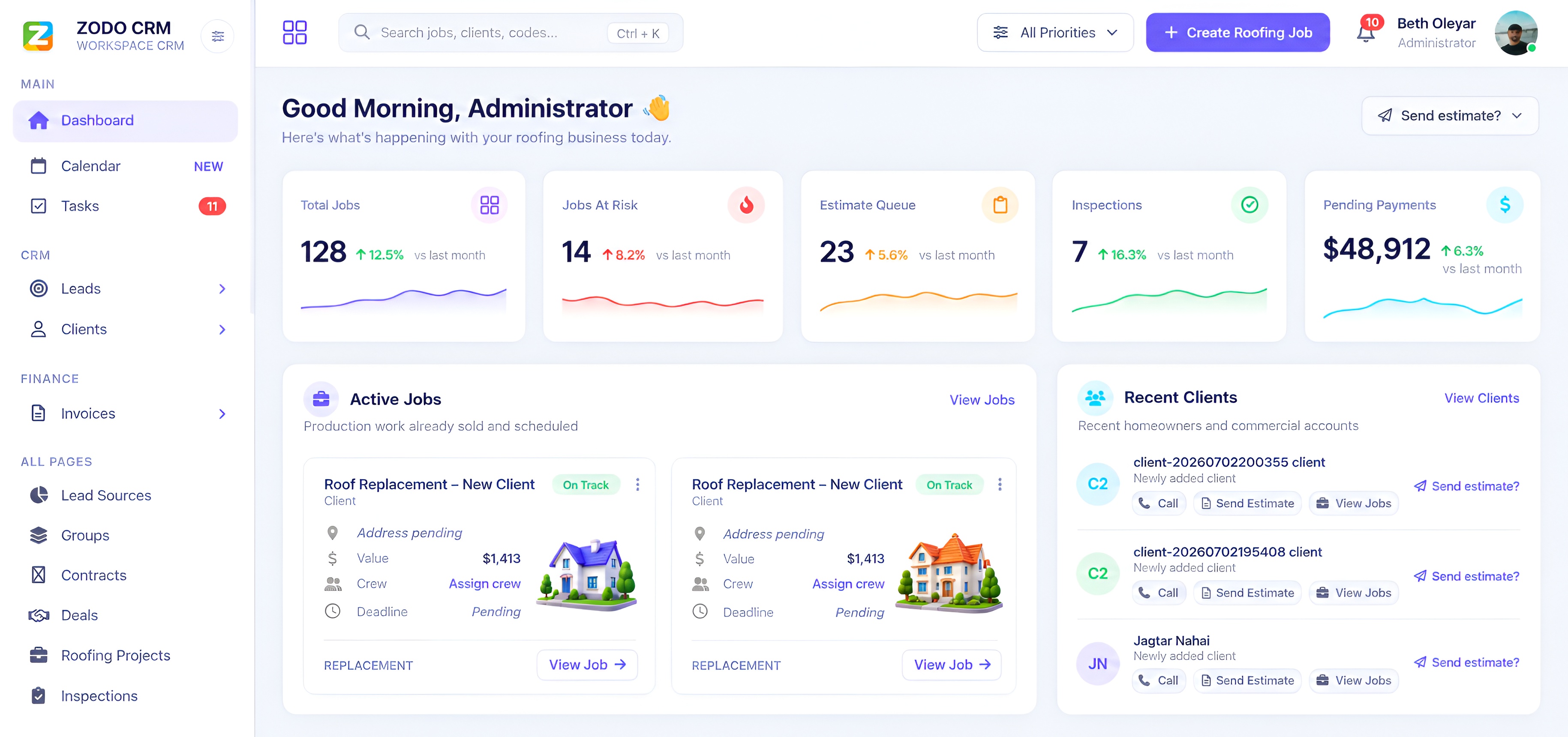
See lead, job and billing indicators together, with the underlying records available for follow-up.
Compare pipeline stages, overdue items and outstanding balances to decide where the team should focus.
Bring the reports you currently use to the demo. Confirm available metrics, filters and exports for your chosen CRM and plan.
Product previews and the public demo use example data to explain the interface. Your authenticated workspace reports use your own records and configured features.
 Zodo
Zodo