Organize the work
Connect jobs to customers, record the scope and keep important dates and responsibilities visible.
Take work from approval to completion with a shared view of progress.
Bring the job scope, customer, crew and supporting files into one workflow. Office and field teams can follow the same record instead of reconciling separate spreadsheets.
Book a demo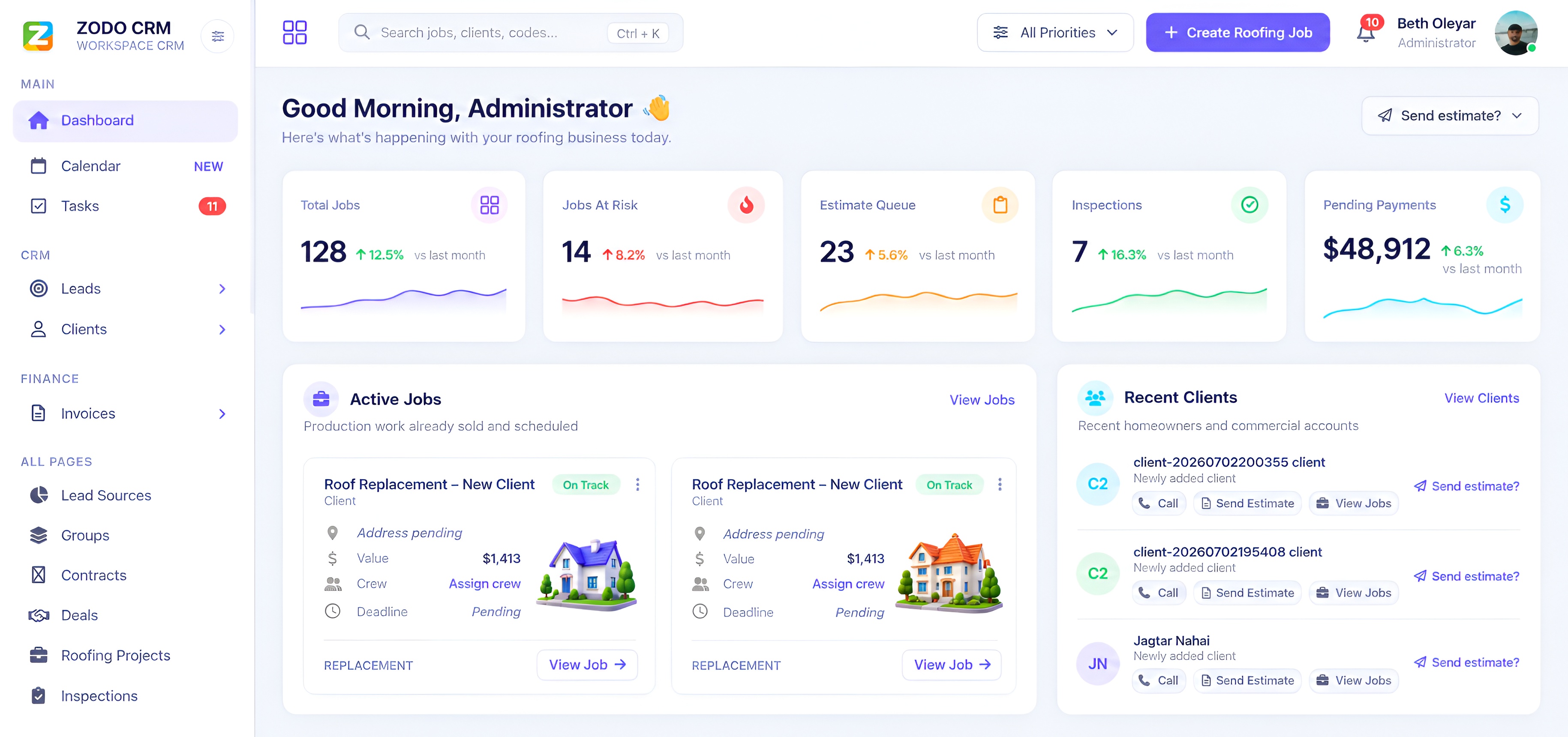
Connect jobs to customers, record the scope and keep important dates and responsibilities visible.
Use job lists and the Kanban board to review upcoming work, spot blocked jobs and move work through its next stage.
Keep job files, notes and inspection details with the work they support, then follow through to estimates and invoices.
Bring your current process to the demo. The sales team can show how your stages map to the available job and pipeline configuration in the CRM you choose.
 Zodo
Zodo